Website Terms Explained
This page strips common website language back to the terms most business owners actually need to understand. You do not need to become technical to commission a better site. You just need enough clarity to make the important decisions with confidence.
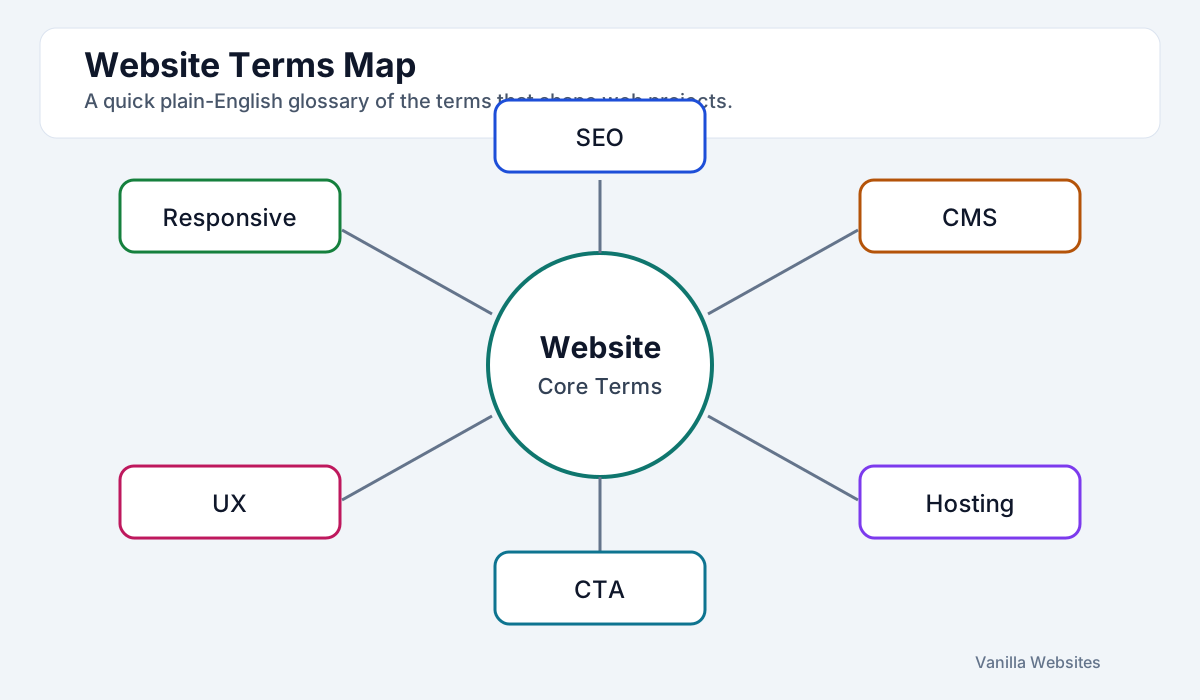
The terms that matter most
These are the terms that usually affect planning, editing, visibility, and conversion most directly.
- SEO: improving pages so they are easier to find in search
- CMS: the system used to edit content without coding
- Hosting: the service that keeps the site online
- Responsive design: making the site work well across screen sizes
- CTA: the action you want the visitor to take next
- Conversion: a valuable result such as a form submission or call
What not to worry about first
Most businesses do not need to master every acronym before starting. The bigger questions are what the website needs to achieve, what content it needs, and what the next step should be for a visitor.
How to use this glossary
If a term keeps coming up in a proposal, it is worth understanding. Use the related guides below to go one level deeper where needed.
Frequently Asked Questions
A few quick answers to the most common questions connected to this page.
Is this written for beginners?
Yes. It is designed for business owners who need plain-English explanations rather than technical depth.
Which terms should I learn first?
Start with SEO, CMS, hosting, and CTA. Those four shape most planning and performance decisions.
Can I get help deciding what matters for my site?
Yes. If you describe the project and goals, we can tell you which parts deserve attention first and which can stay simple.
Related Pages
Use these pages if you want to go one step deeper without having to search around the site.
Need the plain-English version of what your website actually needs?
A short conversation is usually enough to work out the right level, the right setup, and which terms are worth caring about for your project.