Website Planning Guide
A plain-English route through the decisions that matter most before building a new website or redesigning an old one. Use this page if you want to think clearly about the goals, pages, editing model, and enquiry flow before spending money in the wrong place.

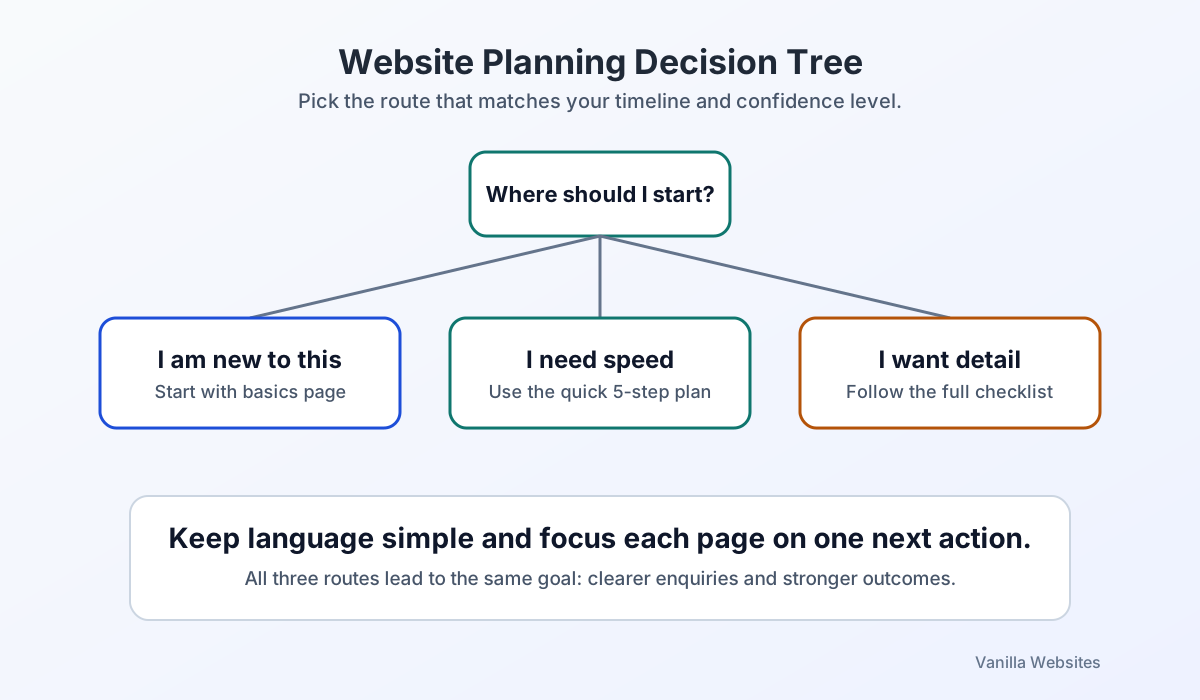
Choose the right route
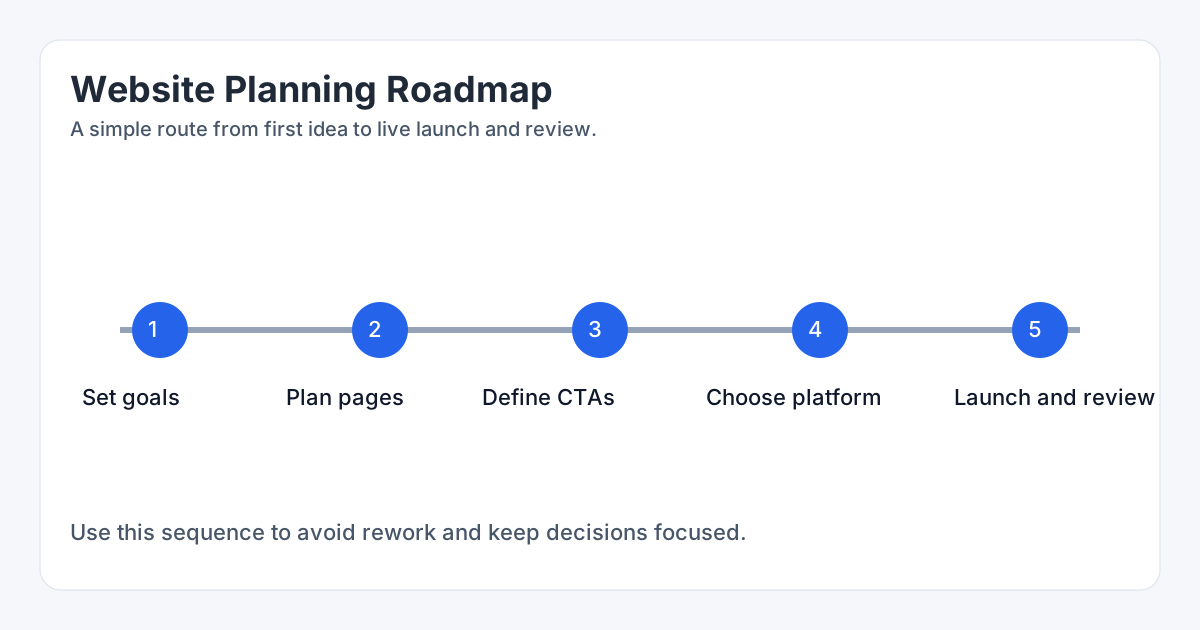
Plan the launch sequence
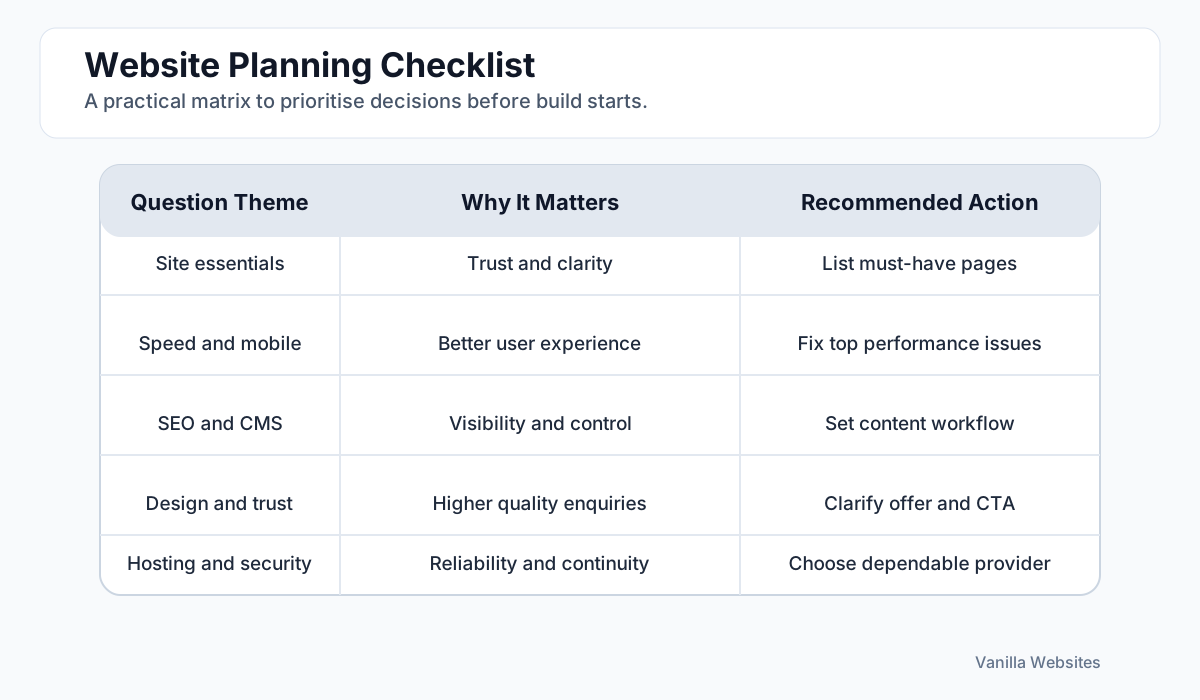
Check the essentials
The five-step planning route
Most website projects get easier once the priorities are decided in the right order.
Step 1
Start with business goals
Decide what the website needs to achieve first: more enquiries, clearer trust, easier editing, local visibility, better ecommerce flow, or a combination of these.
Step 2
List the pages that matter
Most sites need a homepage, focused service pages, proof or examples, an about page, and a clear contact route. Add pages because they support that journey, not because they sound standard.
Step 3
Choose one next step per page
Every important page should move the visitor toward one main action such as requesting a quote, arranging a call, or viewing examples.
Step 4
Pick the right editing model
The website needs the right balance of control, speed, and maintainability. Some projects need a CMS. Others are better with a lighter setup.
Step 5
Launch, then review
A website is not finished when it goes live. Review the pages that are getting impressions, clicks, and enquiries, then refine the weak points.
Quick planning questions
If these questions are still fuzzy, the website brief probably is too.
Plain-English support pages
Use these if a term keeps coming up in proposals or conversations and you want the short version first.
Frequently Asked Questions
These are the questions that usually come up before a business decides whether it needs a new site, a redesign, or a lighter improvement job.
Is this guide for non-technical business owners?
Yes. The point is to give you a clear route through the main website decisions without needing to decode web jargon first.
Do I need to understand every term before starting?
No. Start with the business goals, the key pages, and the action you want the visitor to take. The support pages explain the terms if you need them.
Can this guide still help if I already have a website?
Yes. It works as both a planning tool for new builds and a review tool for older sites that may need a redesign or rebuild.
Want a practical recommendation on what your website actually needs?
Describe the current site, the business, and what the website needs to do better. We can usually tell you the right level quite quickly.